![Rosterfy_Logo_White.png]](https://www.rosterfy.com/hs-fs/hubfs/Logos/Rosterfy%20Logos/Rosterfy_Logo_White.png?height=40&name=Rosterfy_Logo_White.png)
Before creating a Journey, make sure you have had a look at the Workforce Recruitment Setup Guide
Creating a Journey
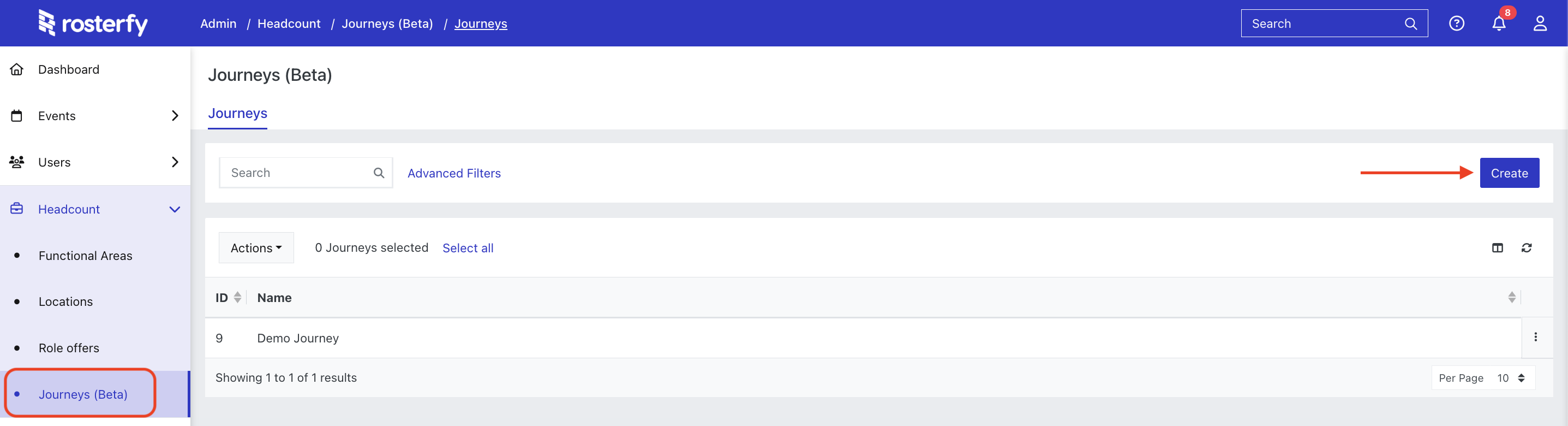
To create a Journey, go to Headcount > Journeys > Create
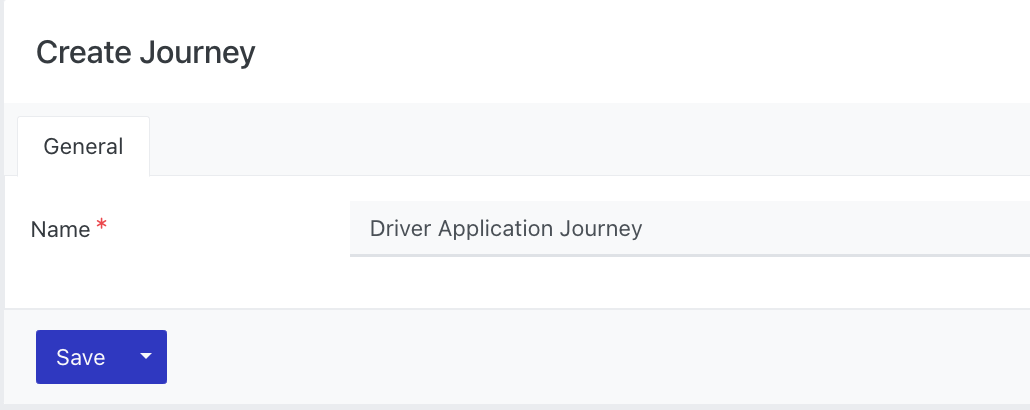
Give the Journey a name & Save
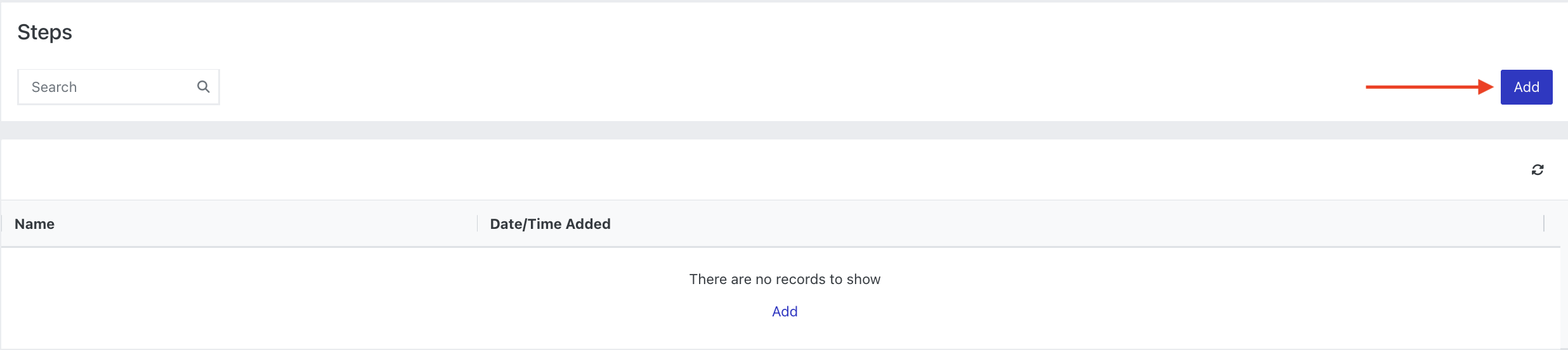
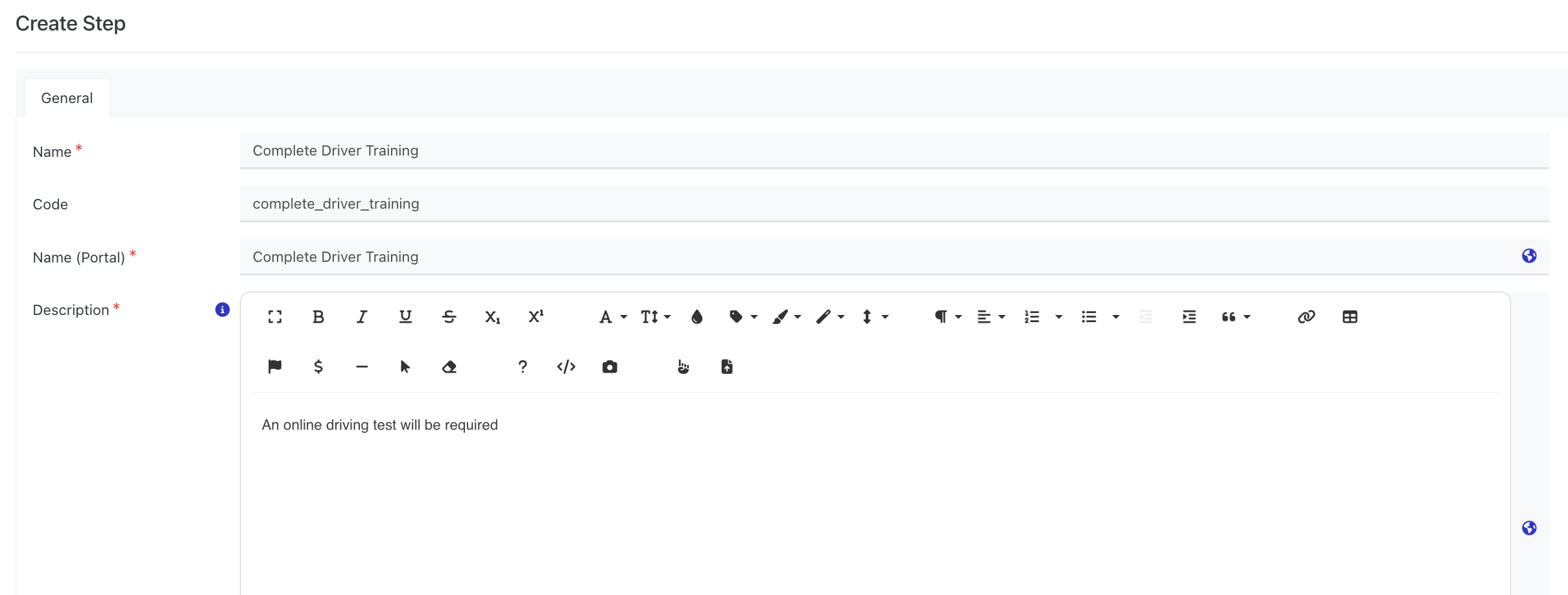
Add Steps to the Journey
Enter the Step details & Save
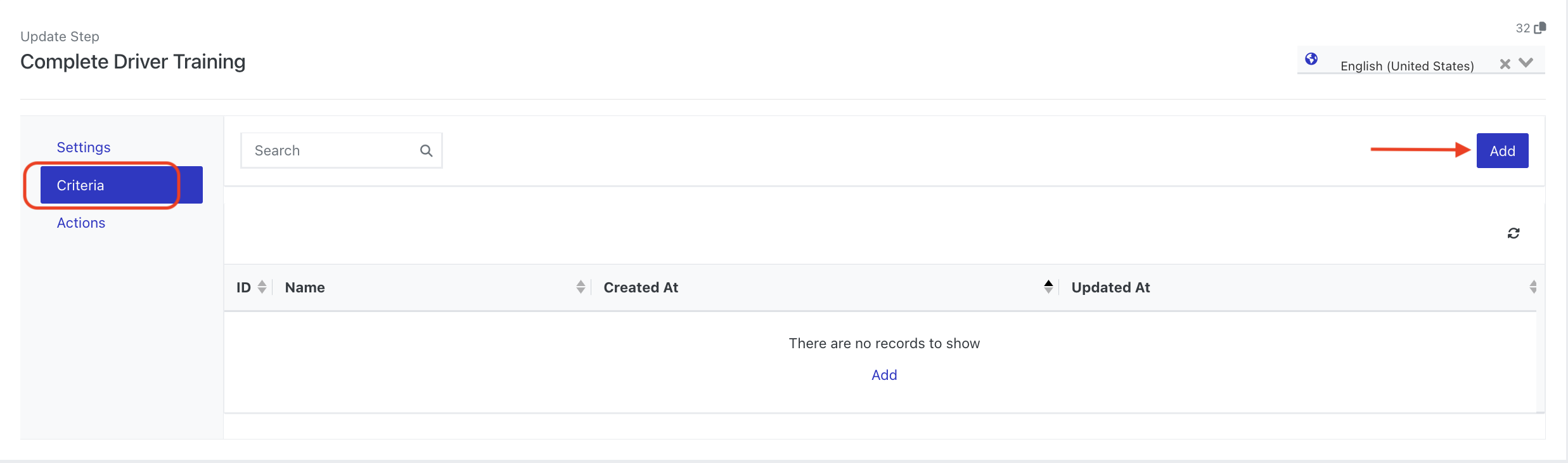
Select the Criteria menu and then click the Add button
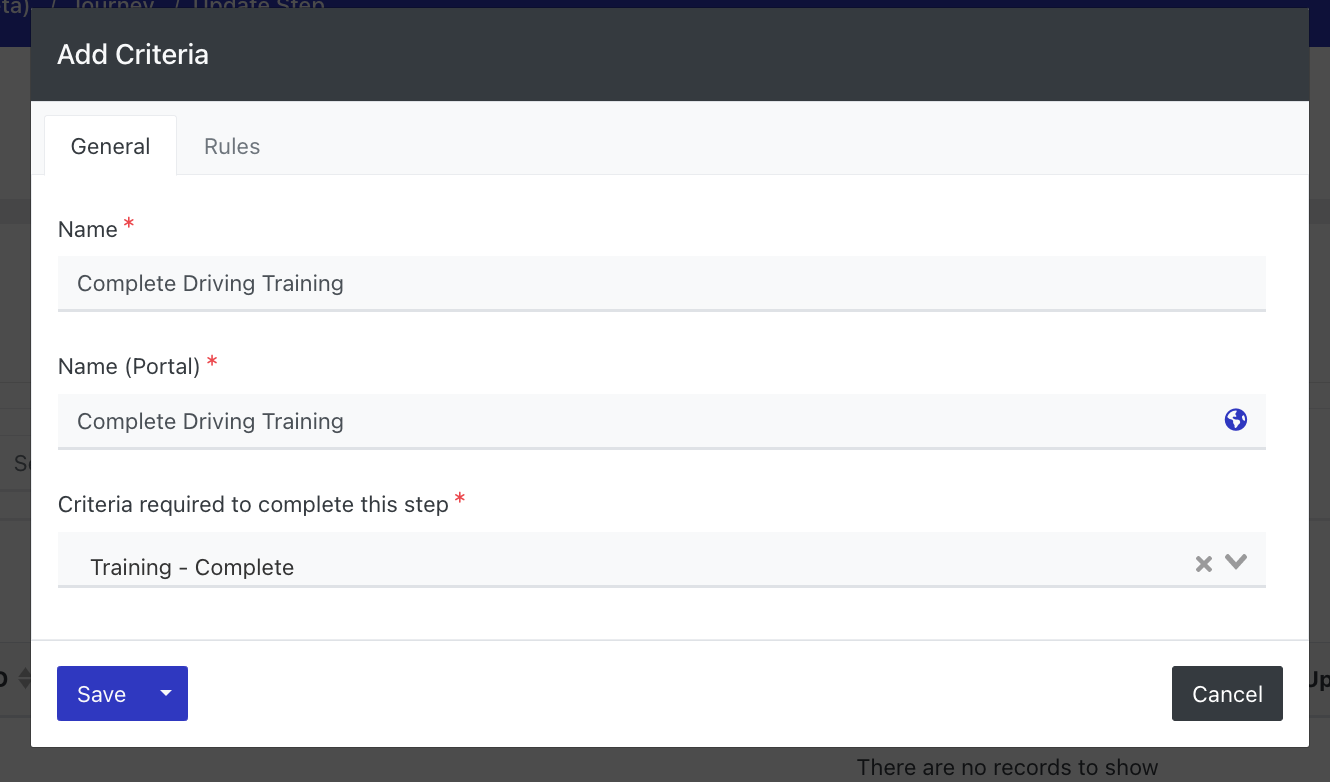
Enter the Criteria details and select the criteria required to complete this step
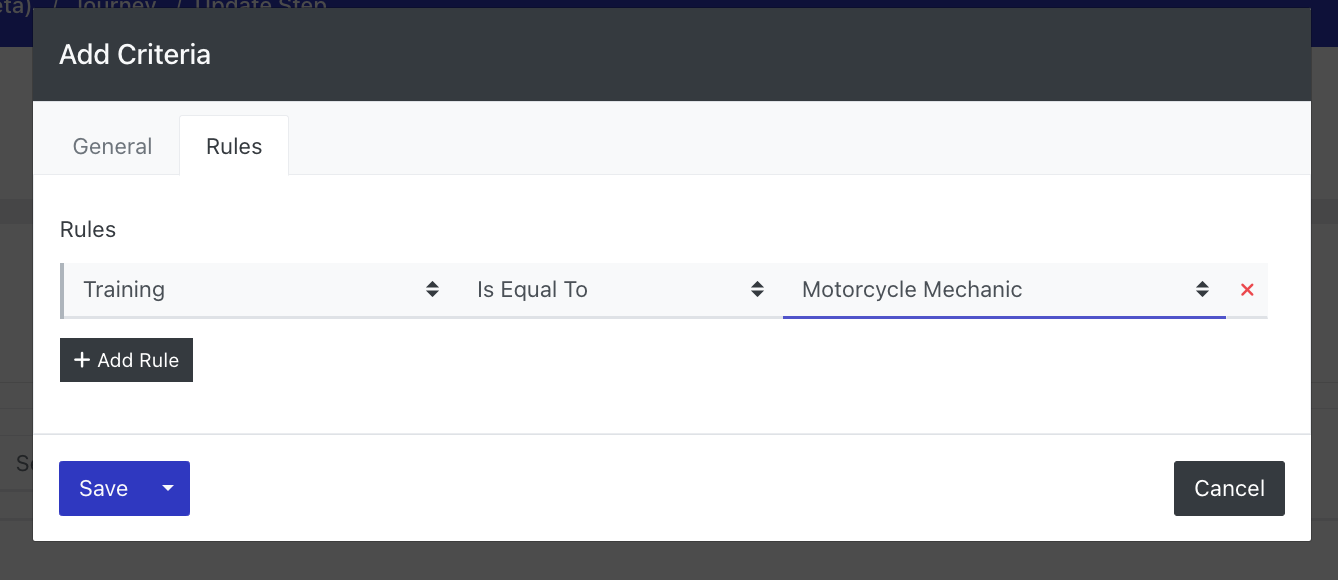
Go to the Rules tab to set specific rules for the Criteria