![Rosterfy_Logo_White.png]](https://www.rosterfy.com/hs-fs/hubfs/Logos/Rosterfy%20Logos/Rosterfy_Logo_White.png?height=40&name=Rosterfy_Logo_White.png)
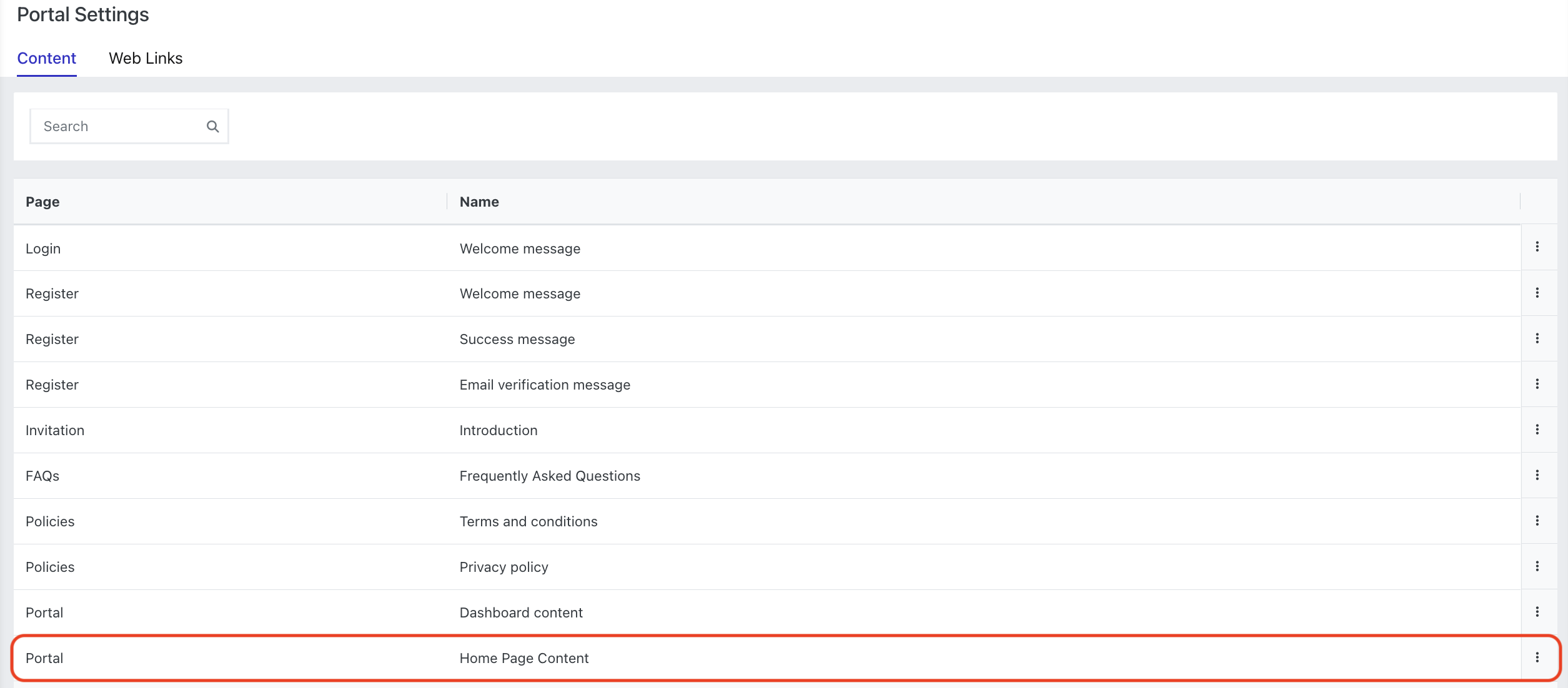
Go to Settings > Portal Content > Home Page Content > Update
Add your content for the home page (i.e text, images or your logo)
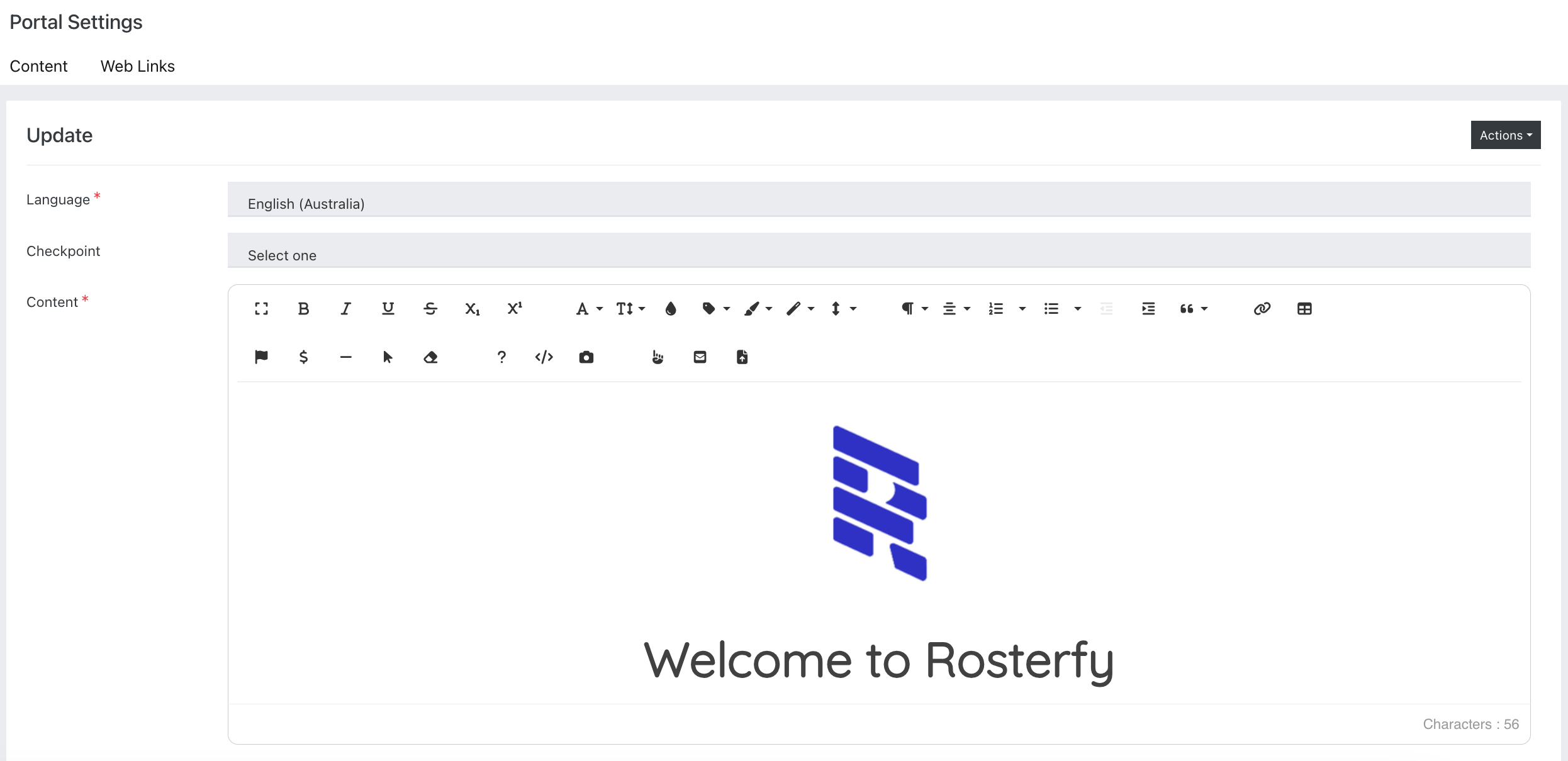
Once you have saved your content, this will appear on your account home page.
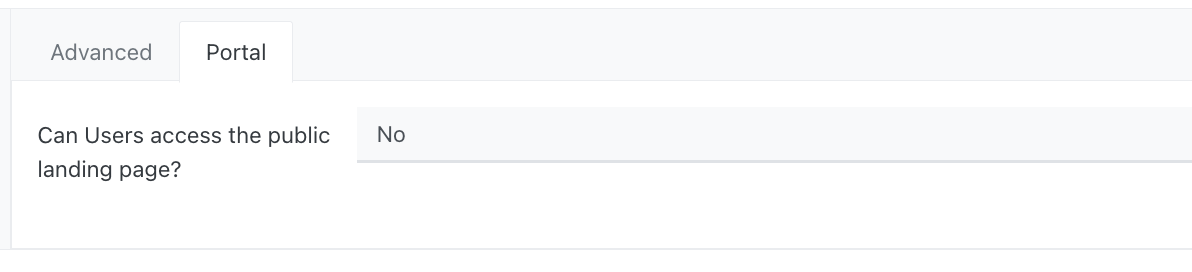
Note - to turn on your home page, you will need to enable 'Can users access the public landing page?' within your Organisation > Portal settings.