![Rosterfy_Logo_White.png]](https://www.rosterfy.com/hs-fs/hubfs/Logos/Rosterfy%20Logos/Rosterfy_Logo_White.png?height=40&name=Rosterfy_Logo_White.png)
Dashboard shortcuts allow for quick guidance for Users to navigate the portal to specific parts.
You can create a dashboard shortcut by using the URL in specific sections:
For example, In order to create a shortcut for updating personal information you can:
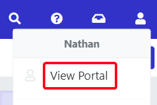
1. Click View Portal
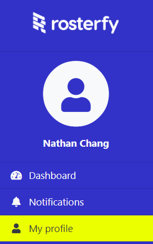
2. Click My profile in the sidebar
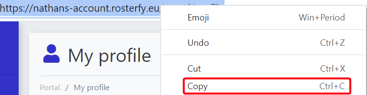
3. Double click address bar and right click
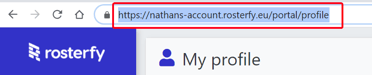
4.Select Copy
Within your portal dashboard
5. Highlight text within Content
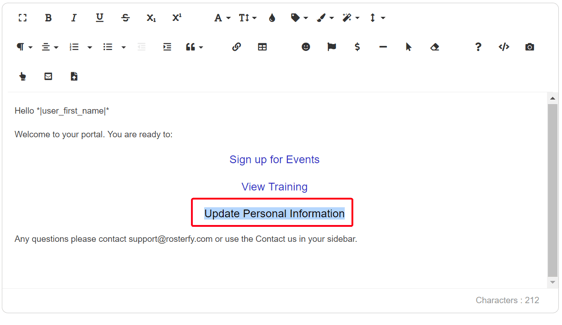
6. Click Hyperlink icon and paste the URL
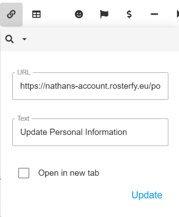
7. Click Update
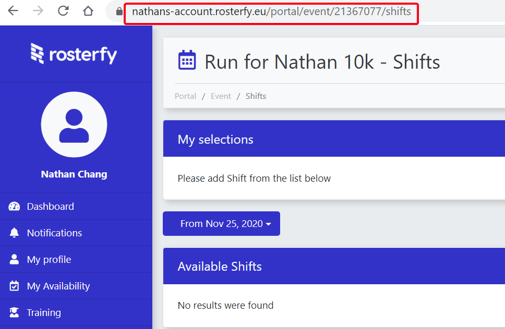
You can repeat this method by going into any page into the portal and copying the url like directing users to a particular shift: